Performance
Balanced, Low and Potato presets and free fixes for weaker PCs.
- Version
- Version 0.1.3
- Works with
- SimplePlanes 2 0.7.9
- Updated
- Category
- Graphics & performance
- Online
- Local onlyExperimental: still has bugs in multiplayer
- Needs
- BepInEx 5. The Gravy Mod Menu is recommended.
What it does
Makes SimplePlanes 2 run better on low-end PCs. The game's graphics menu stops at "Low", and several of its settings are far more expensive than they need to be even there: an 8K shadow map, tree shadows drawn 2.5 km away, 128-step volumetric clouds, full-resolution textures with no way to lower them. This mod adds presets that go lower, plus a set of fixes for work the game does for nothing.
Everything happens on your PC only, and nothing here changes what other players see (see Multiplayer below). The two options that change how crafts fly are off by default and kept separate from the presets.
Presets
Show presetsHide presets
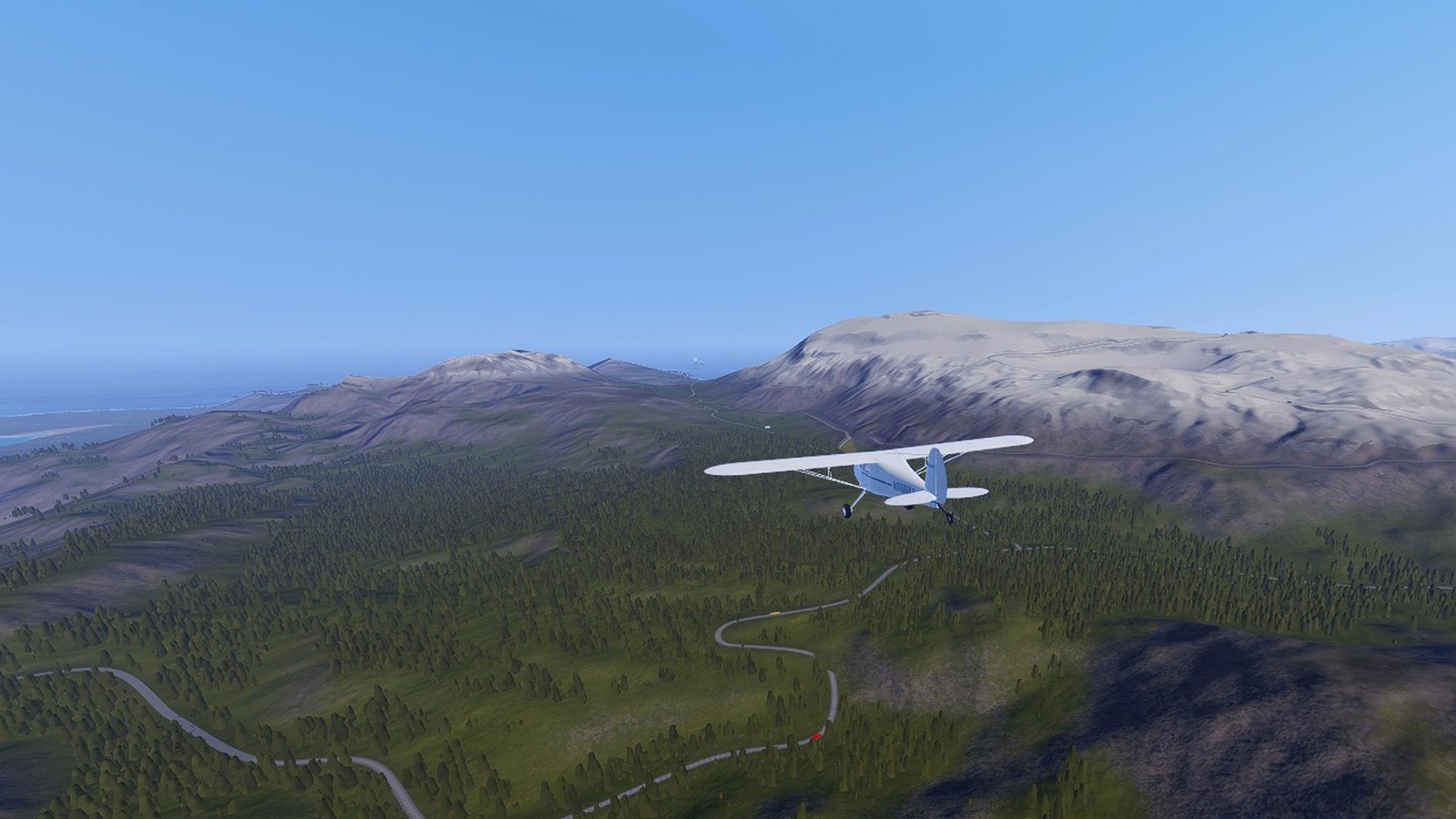
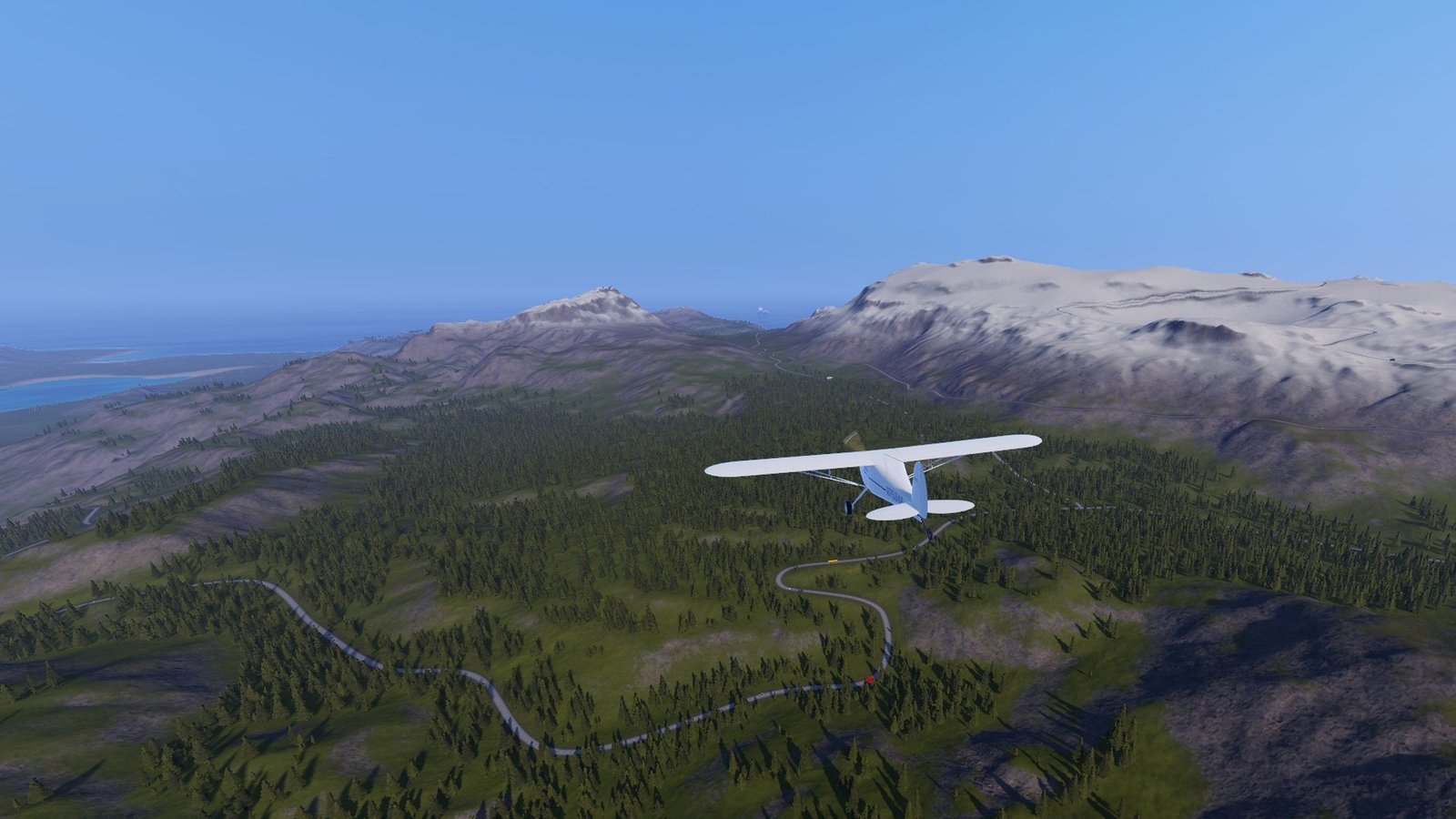
Pick one in the Gravy Mod Menu (Performance tab). Presets work on top of your normal graphics settings and only ever lower them: if the game is already set lower than the preset, the game's value is kept.
| Balanced | Low | Potato | |
|---|---|---|---|
| Shadow distance / map / cascades | 1000 m / 4096 / game | 400 m / 2048 / 2 | 200 m / 1024 / 1 |
| Tree shadow distance | 500 m | 250 m | 120 m |
| Textures | full | half | quarter |
| LOD bias (game: 2) | 1.5 | 1.0 | 0.7 |
| Anisotropic filtering | game | game | off |
| Render scale cap (FSR upscaling) | game | 85% | 70% |
| Volumetric clouds | reduced steps | minimal | flat 2D clouds |
| Volumetric fog | game | off | off |
| Post-processing (Beautify) | game | cheap | cheap |
| Ambient occlusion (if on) | half resolution | half resolution | half resolution |
| Water | light | reduced | minimal |
| Road traffic cap | game | 12 cars | 6 cars |
| Terrain detail (min. pixel error) | game | 30 | 60 |
| Rain/snow particles | 100% | 50% | 25% |
| Bomb predictor | game | Low precision | Low precision |
- Off leaves every game setting untouched (the fixes below still apply).
- Custom uses the values in the Custom section. The Copy Preset to Custom button copies the current preset into it as a starting point.
- Water levels: light = no shadows on the water and slower wave/foam simulation; reduced = also a lower detail resolution; minimal = also a shorter high-detail range. Boats and seaplanes float on the same wave data, so on reduced and minimal your own craft floats on slightly simpler waves (other players are not affected).
- Cheap post-processing = Beautify's turbo mode and faster bloom, no sun flares, lens dirt, chromatic aberration or depth of field. Custom also offers Off, which removes post-processing entirely (including colour grading, so the image looks noticeably different).
- Everything applies immediately. Changing texture quality causes a short hitch while textures reload, and the water rebuilds itself once when its detail changes.
 (open larger)
Fixes (always on, each can be switched off)
Show fixes (always on, each can be switched off)Hide fixes (always on, each can be switched off)
- Sky reflection fix: the sky's reflection probe restarted its update every frame while you moved, forcing a lighting update each time. It now updates with the time of day only.
- Skip inactive ambient occlusion: with Ambient Occlusion off in the game settings, its render pass (and the extra normals pass it requests) is skipped completely.
- Road traffic search: without a road network nearby the game searched the whole scene for one every frame; now once a second.
- Water checks at altitude: every part of your craft asked the water system for the wave height every frame, even at 10 km. Parts more than 60 m above the sea (adjustable) skip it. While an extra tall wave is in the water (such as Extreme Weather's tsunami) the margin grows to clear it.
- Rain bounds cache: while it rains, your craft's size was measured from every collider each frame; now five times a second.
- Limit physics catch-up (off by default): after a very slow frame Unity runs many physics steps to catch up, which makes the next frame slow too. This caps it, at the cost of slow motion during heavy stutters.
Physics options (off by default)
Show physics options (off by default)Hide physics options (off by default)
These change how crafts fly, so they are not part of any preset.
- Lower solver iterations: the game gives every craft 50 physics solver iterations whatever the Physics quality setting says. Fewer (e.g. 20) saves CPU on big crafts; joints get slightly softer and very large crafts may wobble.
- Lower physics rate: physics normally runs at 100 Hz. 50–60 Hz is a big CPU saving, but handling changes and fast or stiff crafts may jitter.
Both only affect what your PC simulates (see Multiplayer below). Under a server bullet limit, a lower physics rate also lowers your own fire rate.
Status
Show statusHide status
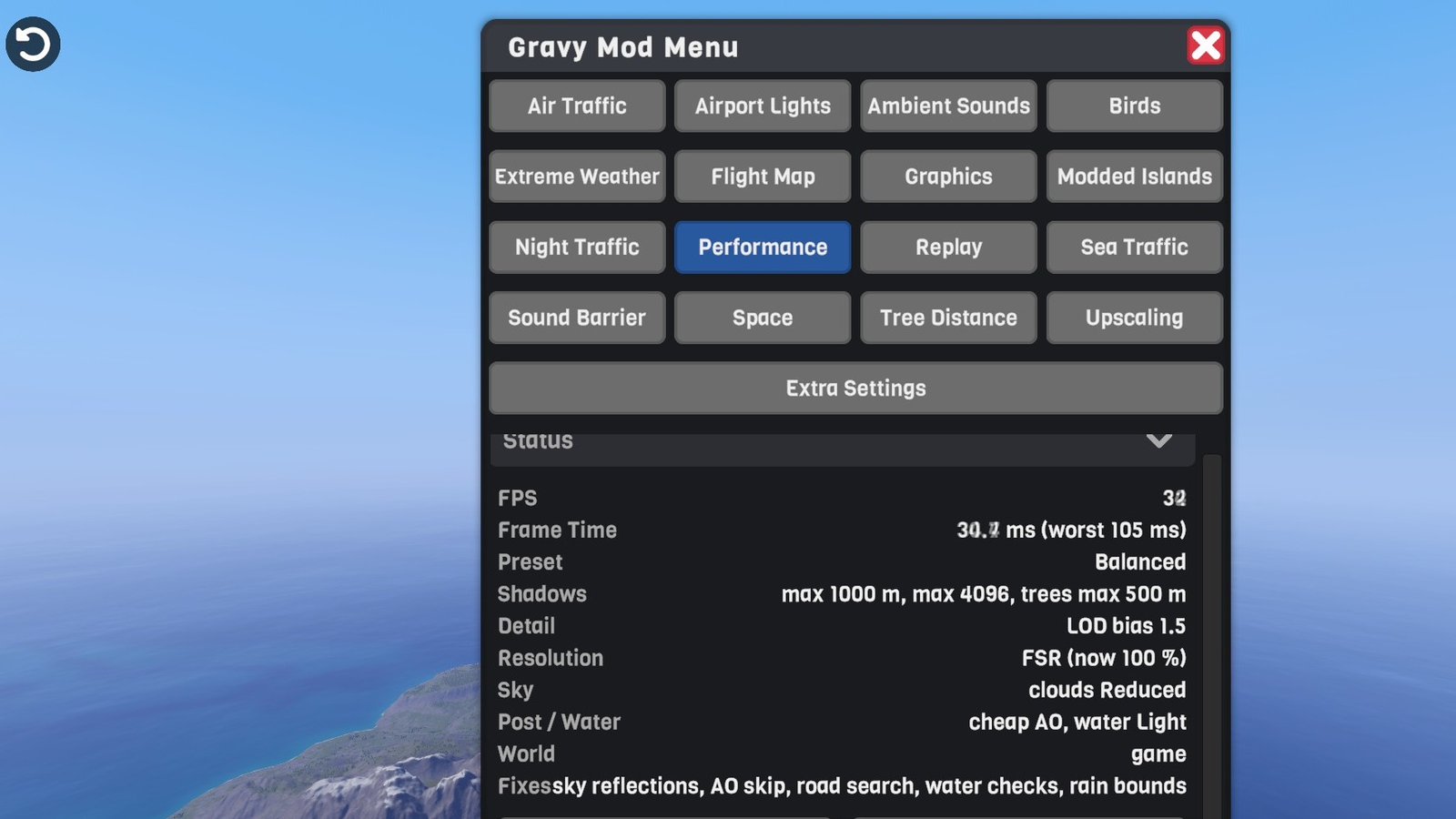
The menu's status section shows smoothed FPS, frame time (and the worst frame of the last second), the active preset, what each group of settings is currently limited to, and anything that had to be skipped.
Multiplayer
Show multiplayerHide multiplayer
Experimental online. This mod runs in multiplayer, but it still has bugs there that aren't fixed yet. It works best in single player for now.
Local only. Other players don't need the mod, and it works whether you host or join.
- Presets and fixes only change how your own game draws and runs. The water levels change the waves your own boats and seaplanes float on, not anyone else's.
- Road traffic cap: the game sends the host's Max Cars to everyone, so the cap only applies in single player or when you host with nobody else connected (AI crafts don't count). When another player joins, the game's own value comes back within two seconds and the status says the cap is off. As a client the host's value is used.
- Physics options only affect what your PC simulates: your craft, and when you host, the AI crafts and world objects your game runs. Other players' crafts are simulated on their own PCs.
- With Limit physics catch-up on, a host that stutters badly falls behind for a moment; guests may see waves, trains and traffic lights hitch until they re-sync.
Settings
Show all settingsHide settings
| Section | Setting | Default | Notes |
|---|---|---|---|
| Preset | Preset | Off | Off / Balanced / Low / Potato / Custom |
| Free Fixes | EnviroReflectionFix | true | |
| Free Fixes | SkipInactiveAmbientOcclusion | true | |
| Free Fixes | RoadTrafficSearchFix | true | |
| Free Fixes | SkipWaterChecksAtAltitude / WaterCheckMargin | true / 60 m | |
| Free Fixes | RainBoundsCache | true | |
| Free Fixes | LimitPhysicsCatchUp / MaxCatchUpSeconds | false / 0.1 s | |
| Custom | ShadowDistance / ShadowResolution / ShadowCascades | 400 m / 2048 / 2 | 0 or "Game" = untouched |
| Custom | TreeShadowDistance | 250 m | 0 = untouched |
| Custom | TextureQuality | 1 | Mip levels dropped (0 = full) |
| Custom | LodBias | 1.0 | 0 = untouched (game uses 2) |
| Custom | AnisotropicFiltering | true | |
| Custom | RenderScaleCap / FsrUpscaling | 85% / true | 100% = untouched |
| Custom | Clouds / CheapFog | Minimal / true | Game, Reduced, Minimal, Flat |
| Custom | PostEffects / CheapAmbientOcclusion | Cheap / true | Game, Cheap, Off |
| Custom | Water | Reduced | Game, Light, Reduced, Minimal |
| Custom | MaxCars | 12 | 50 = untouched |
| Custom | TerrainPixelError | 30 | 0 = untouched |
| Custom | WeatherParticles | 50% | |
| Custom | LightBombPredictor | true | |
| Physics | LowerSolverIterations / SolverIterations | false / 20 | |
| Physics | LowerPhysicsRate / PhysicsRate | false / 60 Hz |
Known limitations
Show known limitationsHide known limitations
- The road traffic cap only applies in single player, or when you host with nobody else connected (see Multiplayer above).
- The game's settings dialogs still show their own values; for example the Max Cars slider doesn't move when the cap applies.
- After Copy Preset to Custom, reopen the tab to see the copied values in the controls.
- With the sky reflection fix, reflections no longer refresh when you only change position (e.g. climbing from sea level to high altitude); they still refresh as the time of day changes.
- Lower physics rates and solver iterations can make some crafts unstable. Turn them off again if a craft starts shaking.
- If Graphics Plus is also installed and both change the same effect, Graphics Plus's setting is on top. Switching either one off puts back exactly what was under it.
Requirements
Show requirementsHide requirements
- SimplePlanes 2 0.7.9
- BepInEx 5 (5.4.x, x64 Mono build) installed in the game folder. On Linux/Steam Deck with Proton, add
WINEDLLOVERRIDES="winhttp=n,b" %command%to the game's launch options. - Optional: the Gravy Mod Menu, for the in-game controls and status. Without it, edit the
.cfgfile.
The Gravy Mod Menu is recommended: most mods keep their in-game settings and status there. Without it, edit the .cfg files in BepInEx/config/.